
NEWS
Google Maps Keeps the Speedometer On Without a Route
Google Maps is rolling out an always-on Android Auto speedometer that works with no destination, after drivers thought the gauge vanished.

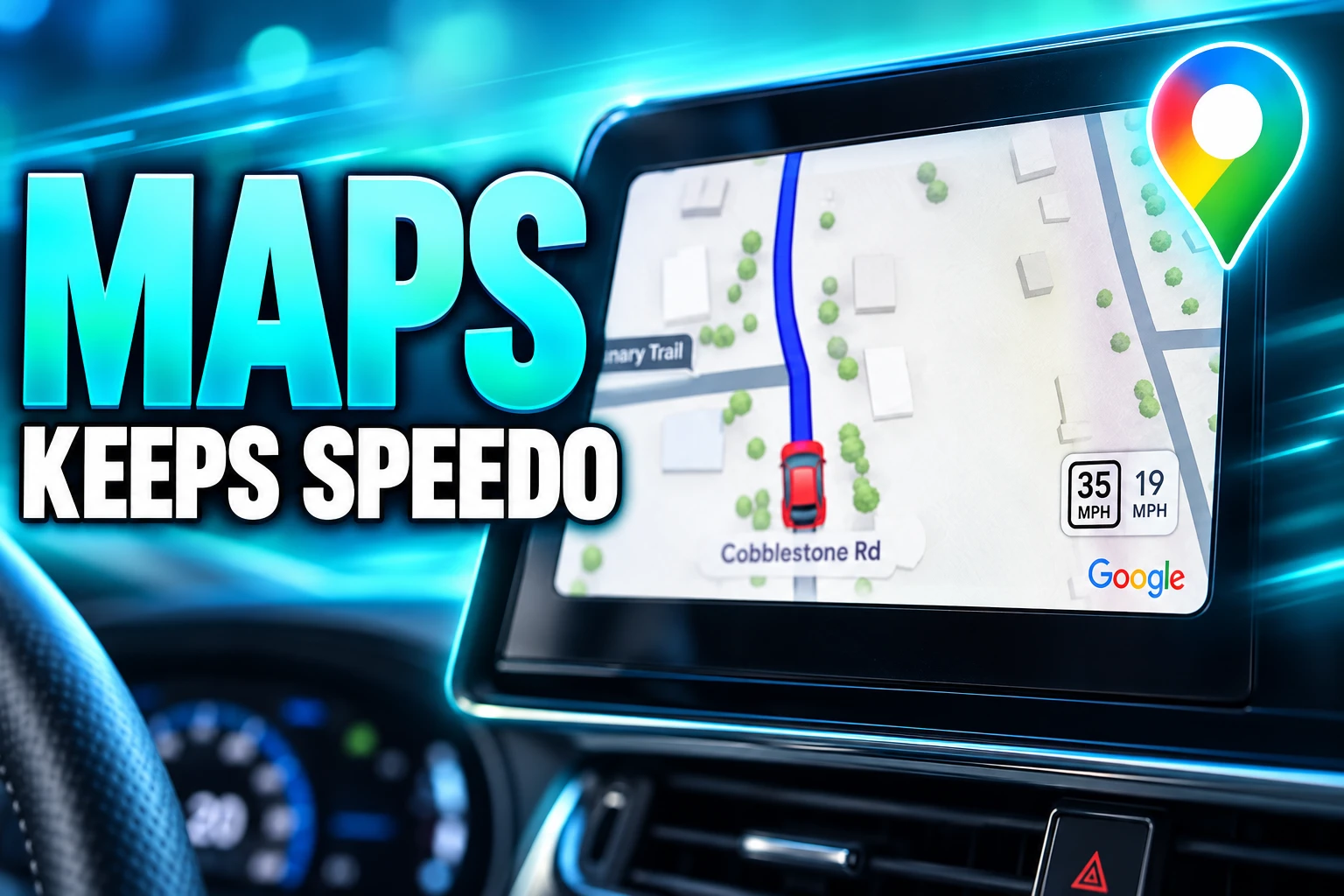
Google Maps is rolling out an always-on speedometer and speed-limit readout on Android Auto that stays up even when no destination is set. Google’s Android Auto team told community manager Mishaal Rahman the extra display is still reaching accounts in stages, which is why some drivers thought the gauge had been pulled.
The useful change is not a prettier number next to the map. It is Maps staying useful on the drives where nobody bothers to type an address.
Google Is Shipping the Speedometer With No Destination
Rahman, a Google community engagement manager for Android, checked with a member of the Android Auto product team after drivers on Reddit said the live speed, the posted limit, stop signs and traffic signals had dropped off the car screen. The team’s answer was that two flags are in play, and only one of them is meant to be everywhere yet.
The first is the live speedometer that began showing up on Android Auto in July 2026, mainly while a route is running. The second is the same cluster of speed, limit, signals and stop signs with no destination set, and that second flag is still rolling out without a destination.
I spoke with a member of the Android Auto product team and was informed that the ability to have the speedometer, speed limit, and traffic signals/stop signs showing without a destination set is still rolling out. Thus, not everyone will have this particular feature yet.
Mishaal Rahman, Google community engagement manager for Android, on Reddit
Google did not give a date for the second flag to finish. Until it does, two phones on the same Maps build can still disagree, and the workaround the team pointed to is simple: set a destination and the gauges that already shipped in July come back.
Why the Speedometer Vanished for Some Drivers
Drivers who posted on Sept. 7, 2026 thought a feature that had only just arrived had been taken away, because the live speed, the limit chip, stop signs and signal icons were gone unless a route was active. Rahman’s Sept. 11 reply framed that as a staged second feature rather than a removal, and said the July speedometer rollout itself was proceeding as planned.
The confusion had a second cause. Some accounts already had the persistent view through a feature experiment, then lost it after wiping Maps cache, which made a server flag look like a crash. Beta and stable copies of Maps in the same household also split, with one phone showing the gauge and the other hiding it until someone left the beta track.
THE SPEEDOMETER’S PATH ONTO ANDROID AUTO
- 2019: Google Maps on phones adds posted speed limits and a live speedometer behind a Driving options switch.
- 2024: The Maps speedometer reaches Apple CarPlay, sitting next to the limit while a route is running.
- July 19 to 25, 2026: First Android Auto sightings land on beta and then some stable installs, including Maps 26.29.02.946673643, gated by a server switch.
- Sept. 7, 2026: Drivers post that speed, limits, stop signs and signals have dropped unless a destination is selected.
- Sept. 11, 2026: Rahman posts the Android Auto team’s answer that the no-destination cluster is still rolling out.
That sequence is why the missing gauge felt like a rollback. For a lot of people the July flag was the first time Maps on the dash showed speed at all, so any later blank looked like Google had changed its mind.
Most Commutes Never Get a Destination
Turn-by-turn is the job Maps advertises in the car, but a large share of real driving is a known loop: school, the station, the same office park. Those trips rarely get a destination pin, which meant the new speed cluster vanished on the drives where a posted limit is easy to miss and a glance at the cluster is hardest to spare.
The July wave already hinted at that use. When no route was set, the early Android Auto layout still tracked live speed on its own, and only drew the limit beside it once navigation was active. The package now moving out in stages goes further, and keeps the road furniture on screen too.
WHAT STAYS ON THE DASH WITH NO ROUTE
- Live speed: A floating readout of how fast Maps thinks the car is moving, drawn on the map rather than in the instrument cluster.
- Posted limit: The mapped speed limit for the current road, when Google has that figure for the segment.
- Traffic signals: Upcoming lights drawn into the map view so they can be seen without a programmed destination.
- Stop signs: The same treatment for stop control, bundled with the speed cluster in Rahman’s note.
Leave that set on and Maps stops being an app you open for a trip. It becomes the screen you leave running because the limit chip and the over-speed color sit where the driver is already looking.
CarPlay Had the Gauge in 2024
The live speedometer was not a new Maps idea. Phones have had it since 2019, with the chip turning yellow or red when speed goes over the posted limit, and Google-owned Waze has shown live speed and limits on Android Auto for years as part of its default driving view.
Android Auto was the late screen. Maps on CarPlay picked up the speedometer in 2024. Android Auto’s first public sightings did not show until July 2026, and even then only for accounts that got the server flag, which is why a feature that looks small on a spec sheet produced a loud complaint the moment it blinked off.
WHERE THE MAPS SPEEDOMETER SHOWED UP
| Screen | Live speedometer | When it arrived |
|---|---|---|
| Google Maps on phones | Yes, behind Driving options | 2019 |
| Waze on Android Auto | Yes, as a default driving view | Years before Maps on the same screen |
| Google Maps on CarPlay | Yes, while navigating | 2024 |
| Google Maps on Android Auto | Yes, still staged | July 2026 |
Waze already occupied the “glance at speed and limit without fussing with a pin” job on the same head unit. Maps is now copying that posture, which is the change that makes the always-on flag more than a missing icon.
The Switch Lives in Driving Options
The car screen does not get its own speedometer toggle. Android Auto reads the switch you set in the phone app, so a gauge that never appears in the car is often still off on the handset.
TURN THE GAUGE ON IN MAPS
- Open Maps: Use the Google Maps app on the Android phone that will connect to the car, not a setting inside Android Auto.
- Find the switch: Tap the profile picture, then Settings, then Navigation, and turn Speedometer on under Driving options.
- During a route: If speed limits are available where you are, Maps also lets you tap the limit chip to toggle the speedometer while you are already navigating.
- If it is still blank: Set a destination. Rahman said that path still restores speed, limit, signals and stop signs for accounts that do not have the no-route flag.
Google’s own help file is blunt about what the number is worth. Speedometers in the Maps app are for informational use only, external factors can make the Maps figure differ from true speed, and drivers are told to confirm against the car’s own gauge. On the separate help page for Maps built into cars, Google also writes that speed limits are for informational use only and should be checked against posted signs.
Rural and poorly mapped roads often show a speed reading with no limit beside it, even in countries where the feature is on, because the limit chip is map data rather than a live read of the sign over the carriageway.
Traffic Lines Are Still Missing From the Same Screen
The speed cluster is not the only layer that has been dropping off Android Auto. Color-coded traffic lines, the green, yellow, orange and red overlay that shows how a road is moving, vanished for a wide set of Maps users in July 2026, and Google said a fix was out on July 28. By August the same break was back on Android Auto, with the overlay still working on the phone in the same session.
Clearing cache, reinstalling Maps, and updating Android Auto have not been a reliable cure. Some drivers get the lines back by switching to the overhead view, which zooms too far out to be a usable nav screen. Others still see a plain route line and have to take the voice prompt on trust.
That is the unfinished dashboard the always-on speedometer is landing on. Maps can now keep speed and limits on screen for a drive that never got a pin, and it still cannot be trusted to paint traffic on the same glass. Rahman also left no public timetable for the no-destination flag, so the practical move for anyone who wants the gauges this month is the one the team already gave: start navigation, and wait for the second switch to catch up.

Russia Squeezes Ukraine’s Internet From Kyiv to Poland

State AGs and Banks Trap the CLARITY Act Vote

Apple Turns the Old Siri Opt-In Into Model Training

Google Maps Keeps the Speedometer On Without a Route

Serverpod’s App Studio Turns Vibe Code Into a Real Stack

OnePlus 16 Bets on 200MP and a Familiar 3x Sony

Micron’s $22 Billion Deposits Cover Only a Fifth of DRAM

CNG and Hybrids Push Alternative Fuels Past Petrol

C Spire Plans a 200-Mile Fiber Line for One Customer

The AI Boom Arrived and Workers’ Share Hit a Record Low
-
 NEWS1 month ago
OnePlus 16 Bets on 200MP and a Familiar 3x Sony
-
 BUSINESS1 month ago
Micron’s $22 Billion Deposits Cover Only a Fifth of DRAM
-
 AUTO3 weeks ago
CNG and Hybrids Push Alternative Fuels Past Petrol
-
 NEWS3 weeks ago
C Spire Plans a 200-Mile Fiber Line for One Customer
-

 NEWS1 month ago
Debian Puts Generative AI Risk on Volunteer Submitters
-

 TECHNOLOGY2 years ago
How to Change Background Color in Epic Hyperspace – Personalizing Your EHR Interface
-
 NEWS4 weeks ago
The AI Boom Arrived and Workers’ Share Hit a Record Low
-

 LIFESTYLE3 years ago
Types of Alligators in Florida – Discovering Reptilian Diversity in the Sunshine State